
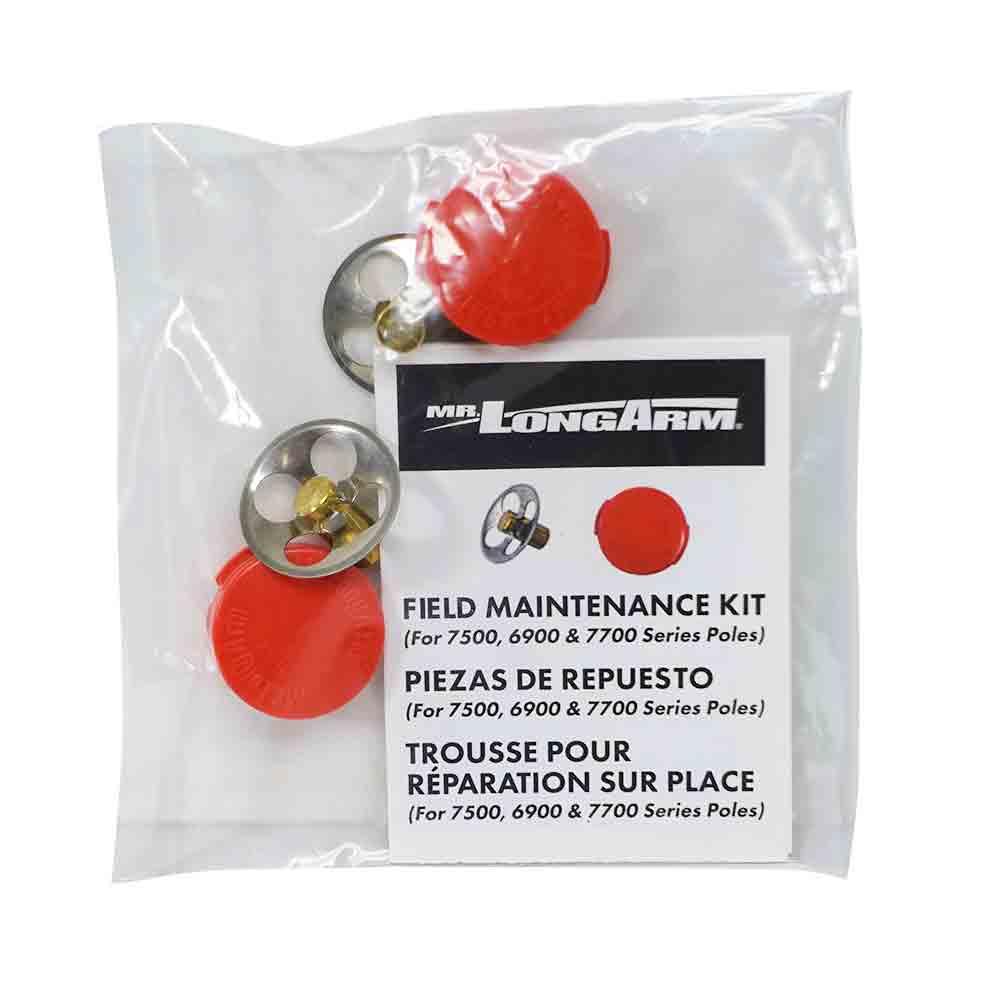
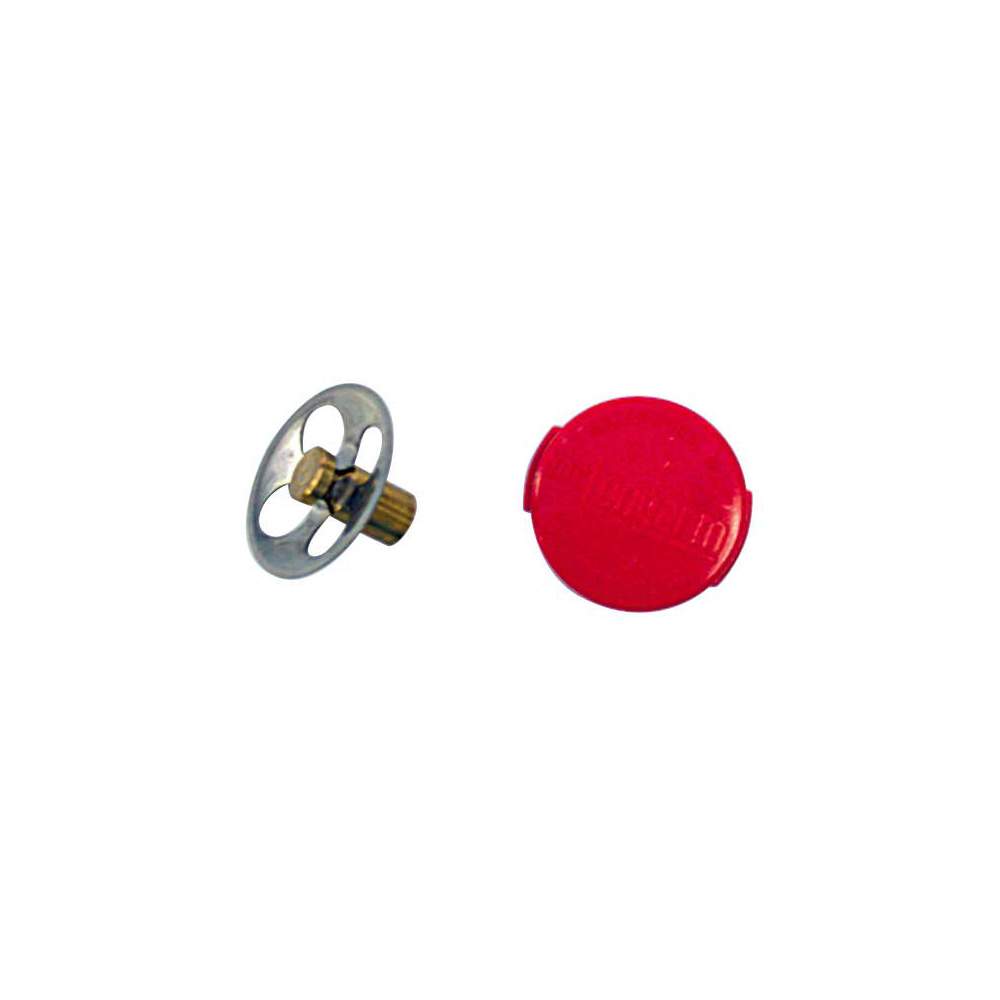
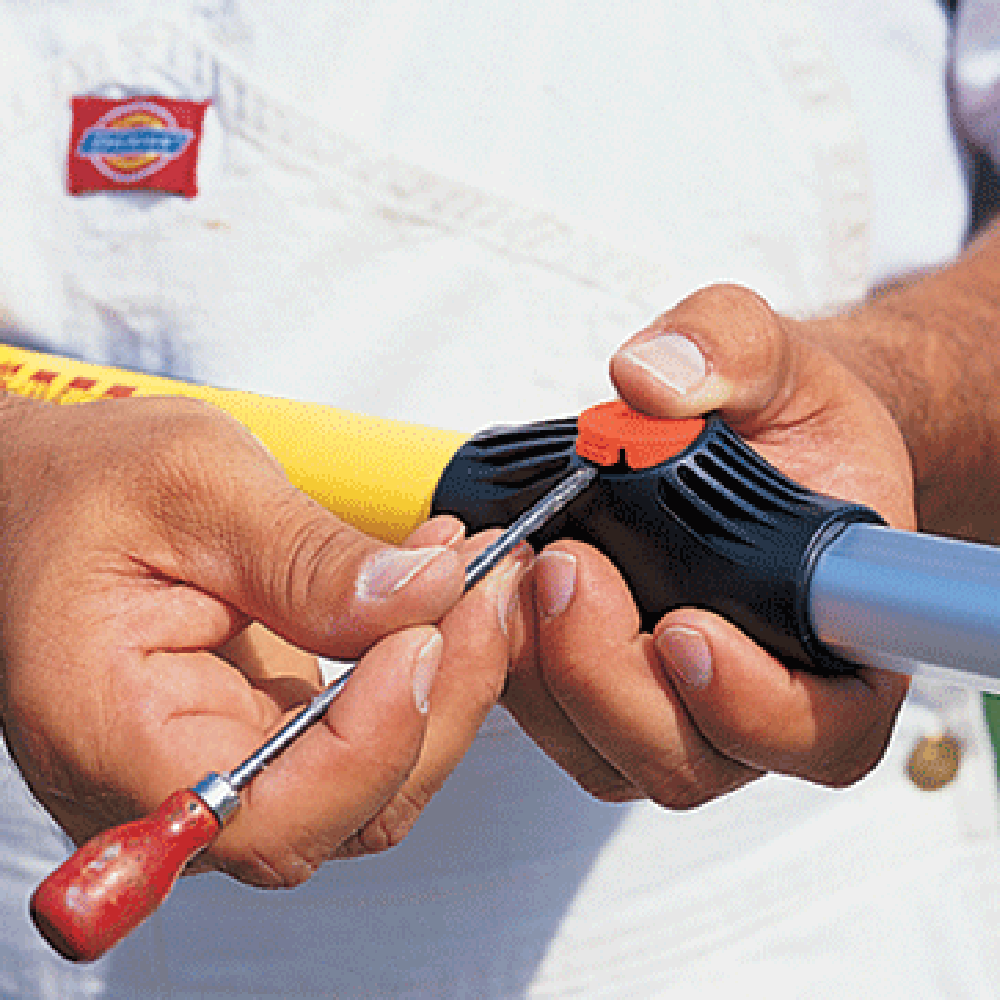
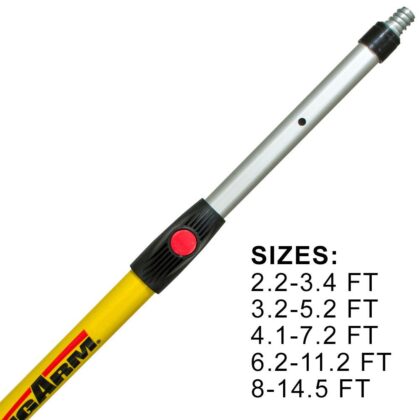
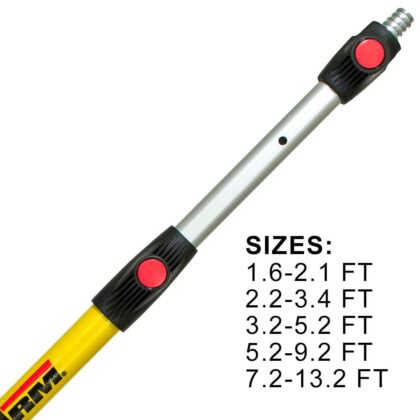
How to easily change the push buttons on Super Tab-Lok and Smart-Lok Extension Poles.
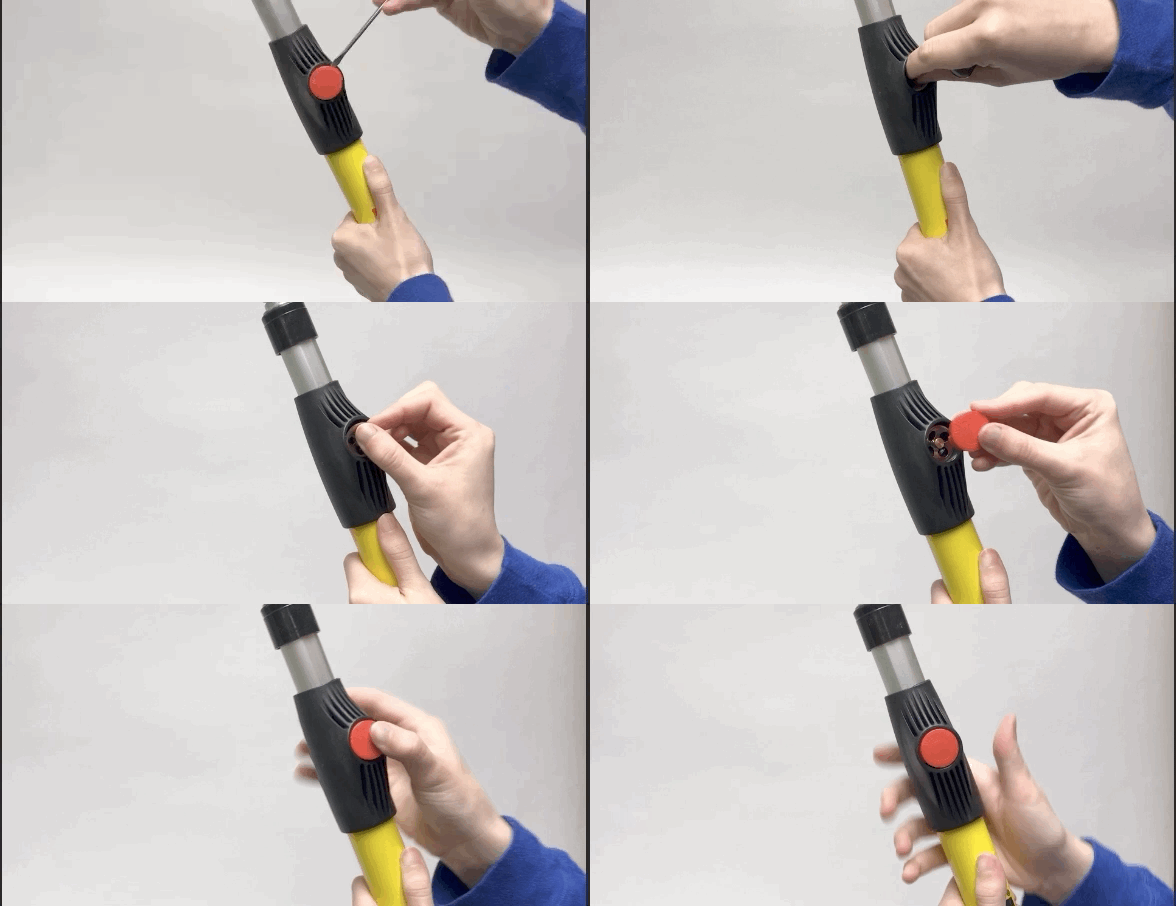 Insert the blade of a small screwdriver between the button and lock housing and gently pry the button upwards. Remove the diaphragm and brass pin, clean them if reusing. Clean up any dried paint inside and around the outside of the housing. Reinsert the diaphragm or place a new diaphragm into the seat. The pin should lock into one of the holes in the aluminum tube. Insert the button at a slight angle with the tab aligned with the guide slot inside the housing. Then press the edge of the button and it should snap into place.
For assistance determining if this is the part you need contact Customer Service at 816-537-6777 then dial option 3 for customer service.
order came quick and fit perfect – good job
Perfect!!
Assume
Perfect fit
Fixed the non working yellow one with this kit.
Thanks
The red button repair kit made the Longarm 15′ extension pole work like new. Very happy with the purchase.
This little fix was just what my extension pole needed.
Easy to replace parts, pole works great again.
Perfect fix, back in business. FAST shipping!